
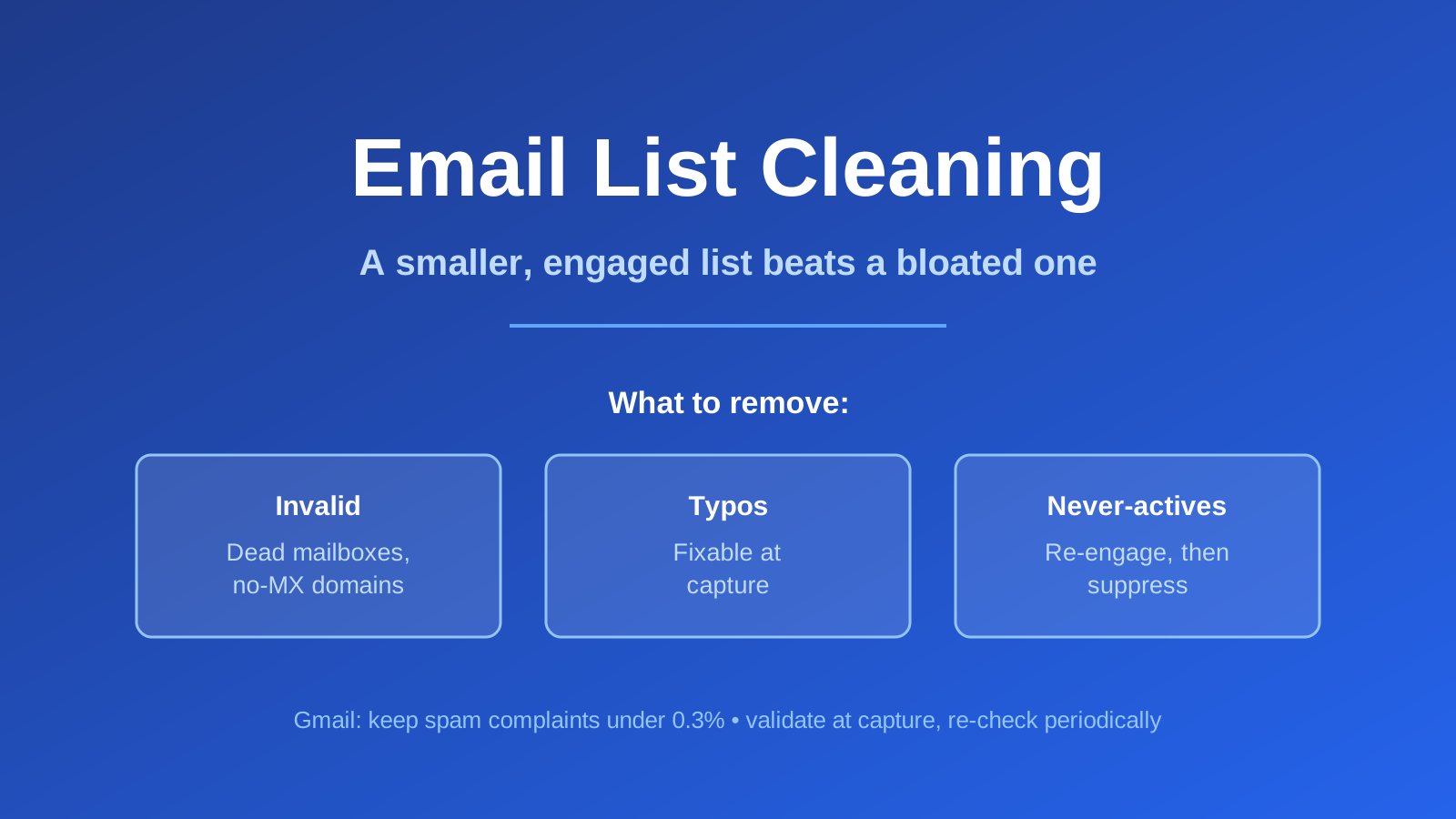
Quick answer: Email list cleaning means removing invalid, mistyped, and long-inactive addresses so you are only mailing people who can and want to receive it. It matters because bounces and spam complaints damage your sender reputation, and Gmail asks bulk senders to keep the spam-complaint rate under 0.3% (Google). When I tested Bluey’s own validation on a bad address, it caught the dead mailbox instantly (SMTP 550, score 0) — that is the check that keeps junk off your list. Written with AI assistance and reviewed against primary sources.
Full disclosure: Bluey Email is my own product, and I use its validation tool in the test below. The principles apply on any platform.
What is email list cleaning?
List cleaning (or list hygiene) is the routine removal of addresses that hurt your deliverability: hard bounces, syntax errors and typos, spam-trap-looking addresses, and subscribers who have not engaged in a long time. The goal is not a bigger list — it is a list where a high share of messages actually reach a real, interested inbox. A smaller, engaged list almost always outperforms a bloated one because mailbox providers judge you on how the recipients you do reach respond.
Why does list cleaning matter?
Because the mailbox providers are keeping score. Gmail’s sender guidelines ask bulk senders to keep their reported spam rate below 0.3% and to “avoid sending to email addresses you scraped or bought,” warning that high complaint rates and invalid recipients drag down delivery for everyone on your domain (Google). Every dead address you keep mailing is a bounce; every disengaged subscriber is a complaint risk. Both are signals you can remove by cleaning.
This connects directly to how you collect addresses in the first place. A confirmation step — double opt-in — prevents a lot of bad data from ever entering the list, so cleaning and confirmed opt-in are two halves of the same hygiene habit.
We tested it: catching a bad address in real time
Here is the concrete version, run first-hand for this article. I ran two addresses through Bluey Email’s single-validation check. The first was a real-looking address on a live domain but with no such mailbox. Bluey returned status invalid, score 0, with the mail server’s own rejection: a 550 5.1.1 ... User does not exist SMTP response — meaning the domain accepts mail but that specific mailbox is dead. The second was an address on a made-up domain; Bluey returned invalid with the reason “No MX records found for domain” — the domain cannot receive email at all.
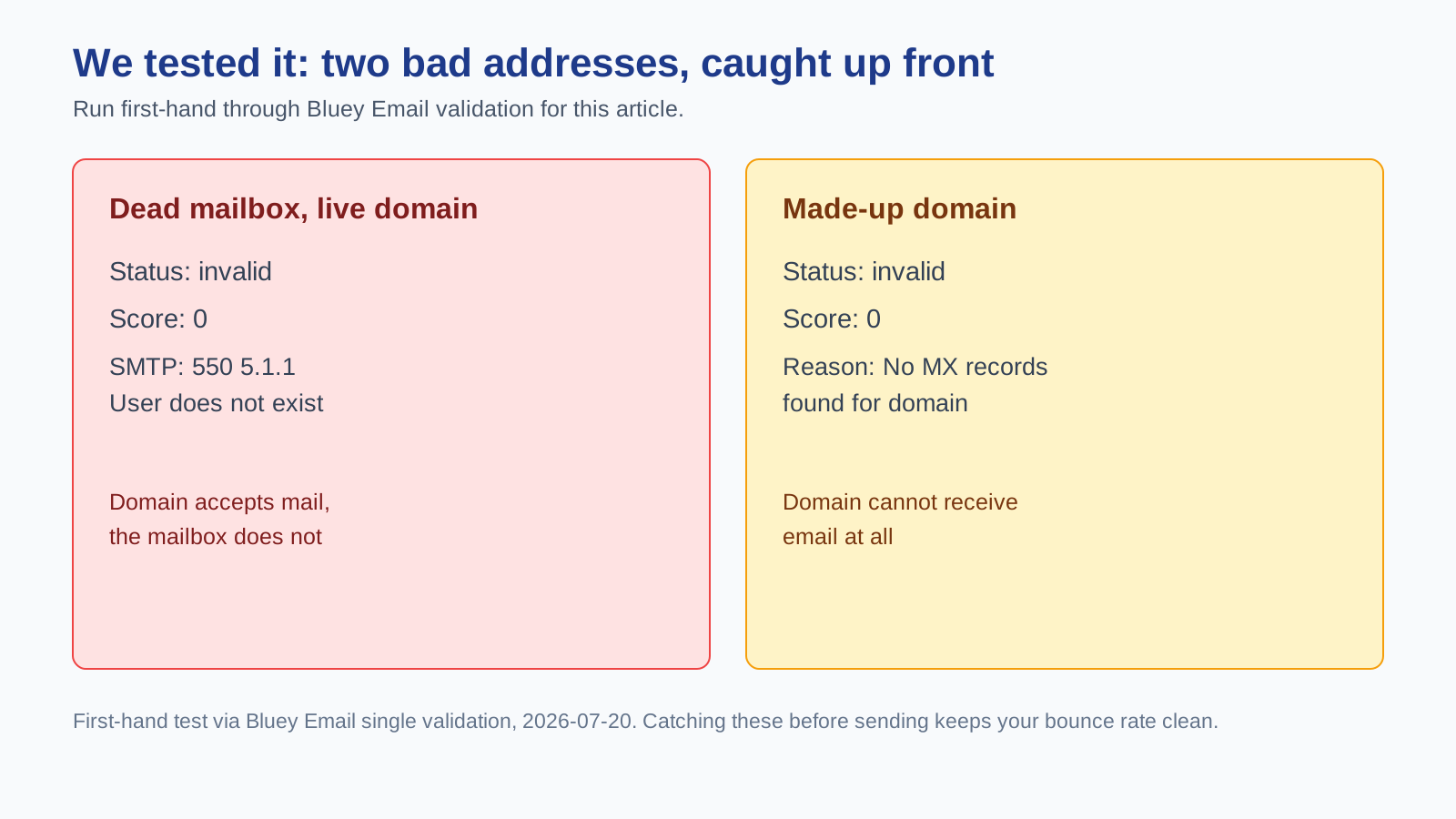
That is exactly what list cleaning automates at scale: before a bad address ever gets mailed and bounces, validation flags it as undeliverable. Catching it up front is what keeps your bounce rate — and your reputation — clean. Most platforms, Bluey included, offer single and batch validation for this; whatever you use, validate new addresses at capture and re-validate periodically.
How often should you clean your list?
Frequency scales with volume: the more you send, the faster problems compound. As a practical rule, high-volume senders benefit from cleaning close to monthly, mid-volume senders quarterly, and small or low-frequency lists a couple of times a year — always before a big campaign or a sending-domain change. The trigger that overrides the calendar is your metrics: a rising bounce rate or a creeping spam-complaint rate means clean now, not next quarter.
How to clean your email list
Work in this order. First, remove hard bounces and validation failures — the addresses that are provably undeliverable, like the dead mailbox in the test above. Second, correct obvious typos where the intent is clear (a validation tool that suggests corrections helps here). Third, segment out the long-inactive: rather than deleting everyone who has gone quiet, run them through a re-engagement campaign and suppress the never-actives so they stop dragging your reputation. Finally, prevent future mess at the source with double opt-in and validation on your signup forms. Pair all of this with a broader deliverability routine and sensible sending frequency.
Frequently asked questions
Does cleaning my list improve deliverability? Yes — removing undeliverable and disengaged addresses lowers your bounce and complaint rates, which are exactly what Gmail and other providers use to judge your sender reputation (Google).
What is the difference between validation and cleaning? Validation checks whether a single address is deliverable (syntax, domain MX records, mailbox existence); cleaning is the ongoing process of removing the addresses validation flags plus long-inactive subscribers.
Should I delete inactive subscribers or re-engage them first? Try re-engagement first for the recently-inactive, then suppress or remove the never-actives. Deleting engaged-but-quiet contacts too early throws away recoverable value.
How do I stop bad addresses getting on the list? Validate at the point of capture and use a confirmation step (double opt-in) so typos and fake sign-ups never make it onto your list.
References
- Google, Email sender guidelines — support.google.com
- First-hand test: Bluey Email single email validation (SMTP 550 on a dead mailbox; “No MX records” on an invalid domain), run 2026-07-20.
Related reading: double opt-in explained, email deliverability guide, re-engagement email campaign, email frequency best practices, and the best email marketing software pillar.
— Shivam
Need the actual copy? See our re-engagement email templates.
3 thoughts on “Email List Cleaning: Why, How Often and How to Do It (2026 Guide)”